SILKROAD™Get a free keyDownload

Forums with the soul of vBulletin and a chat built in.

Silkroad™ is self-hosted community software: classic boards and threads, live chat between members, real moderation tools and themes your members make themselves.

Free to run on your own server with Docker, 0.5 MB.

Silkroad forum home
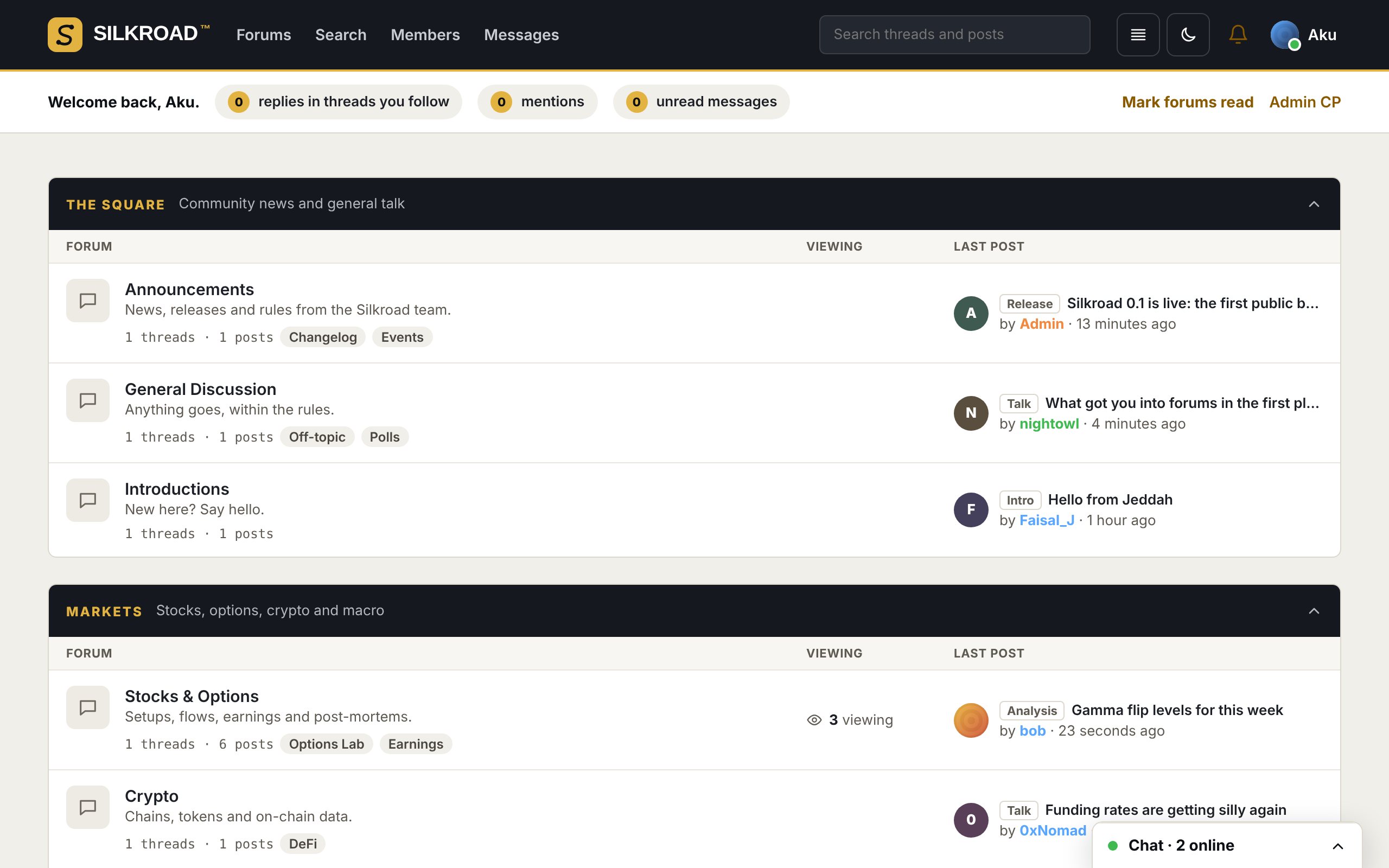
Silkroad forum home in light mode

Live chat

Facebook-style chat windows on every page, with live notifications.

76 languages

English and Arabic built in, right-to-left included; the rest install as packs.

Your server

Docker Compose, Postgres and Redis. Your data never leaves your machine.

One-command checks

The doctor tells you exactly what’s wrong and how to fix it.

The forum home

Categories, sub-forums and “who’s online”, the way forums should look.

Unread markers, last-post previews, viewing counts, birthdays and events. Members switch between dark and light, compact or comfortable rows, and any of 76 languages.

  • Forum logos per board
  • Role colours on every name
  • Online, busy, do not disturb or appear offline
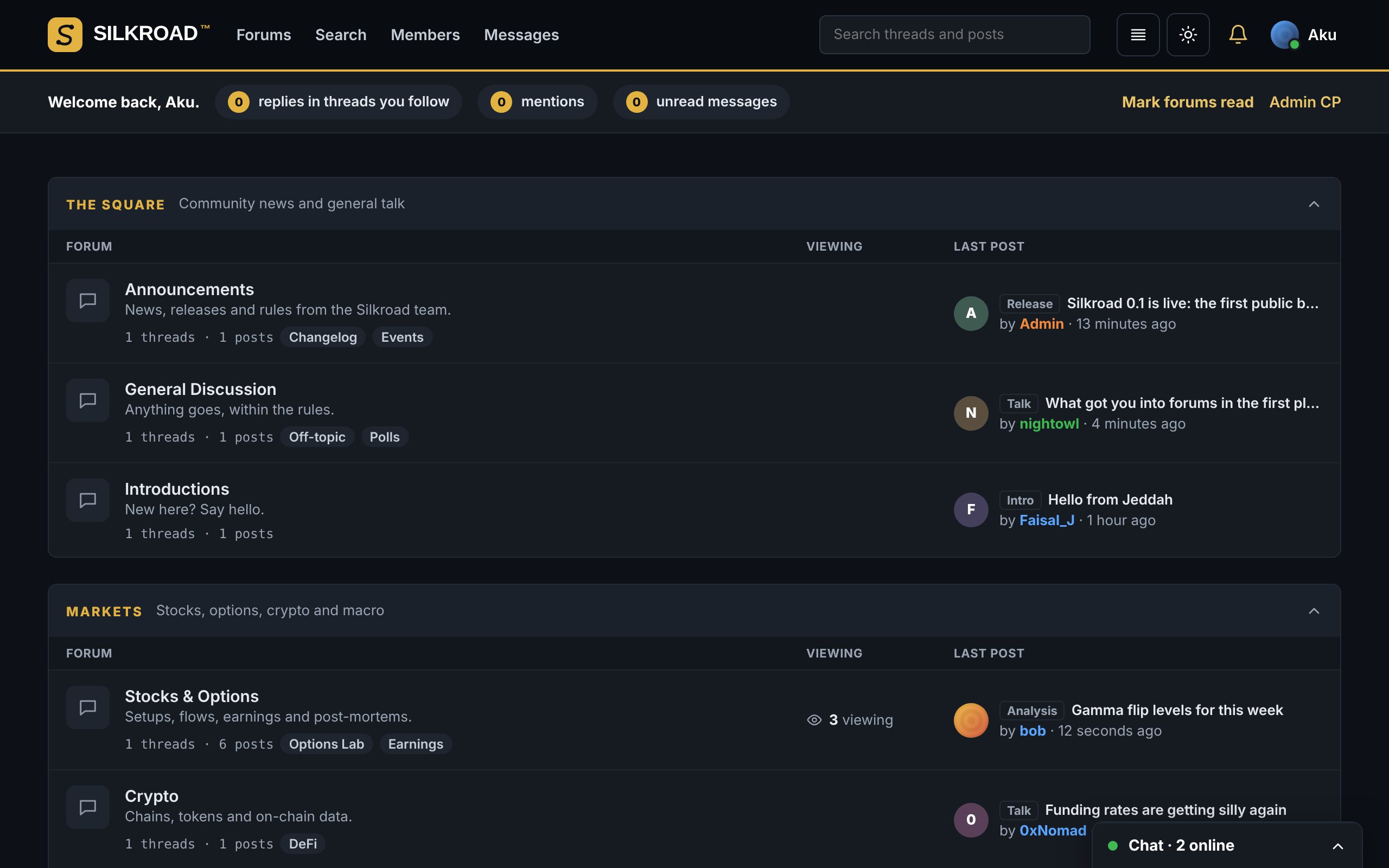
Silkroad forum home in dark mode

Threads

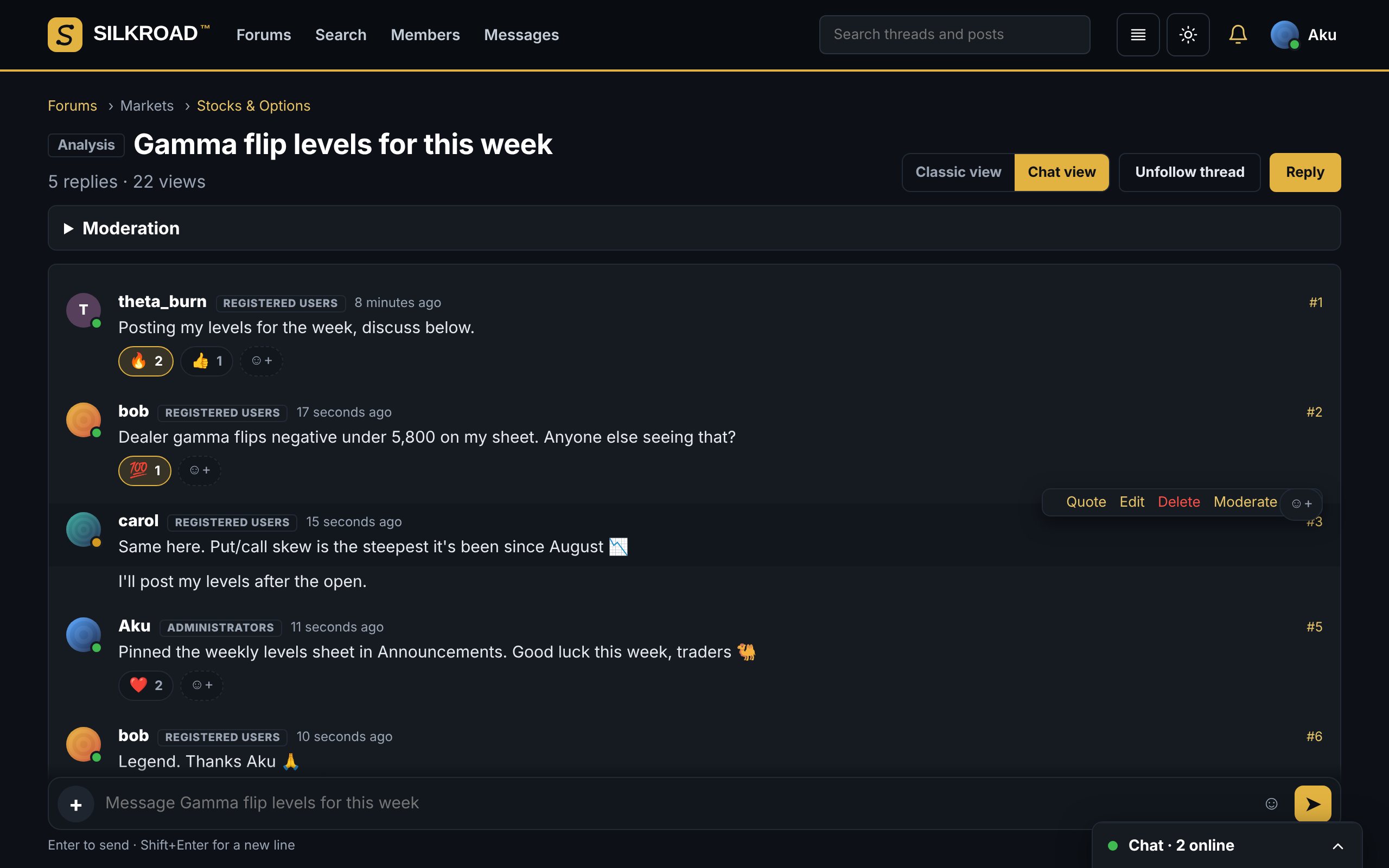
Read it like a forum or talk in it like a chat.

Every thread has two layouts. Classic postbits for long-form posts, and a chat view where Enter sends, messages group by author and the composer stays at the bottom.

  • Emoji reactions, including your own custom emojis
  • GIF search built into the message box
  • Images, video and audio uploads, plus YouTube, Vimeo, SoundCloud and Spotify embeds
A Silkroad thread in chat view with reactions

Theme studio

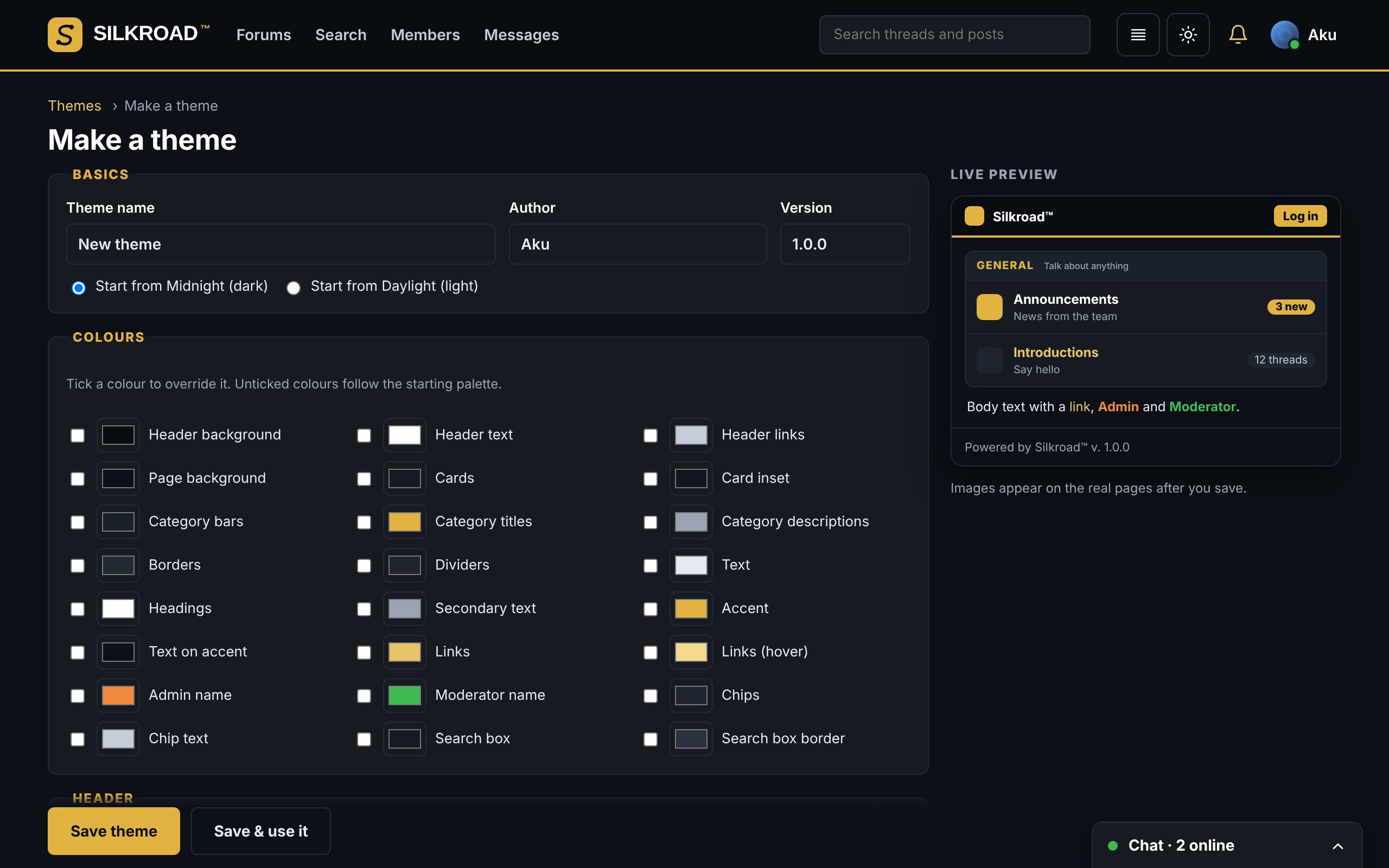
Members design their own look. Admins publish the best ones.

Pick colours, header and footer heights in pixels, a logo, a background image and the font, with a live preview as you go. Themes export as one file with the images inside, so they move between forums.

  • Personal themes for members
  • Publish a theme for everyone or make it the default
  • Custom CSS for administrators
The Silkroad theme studio with live preview

Mod CP

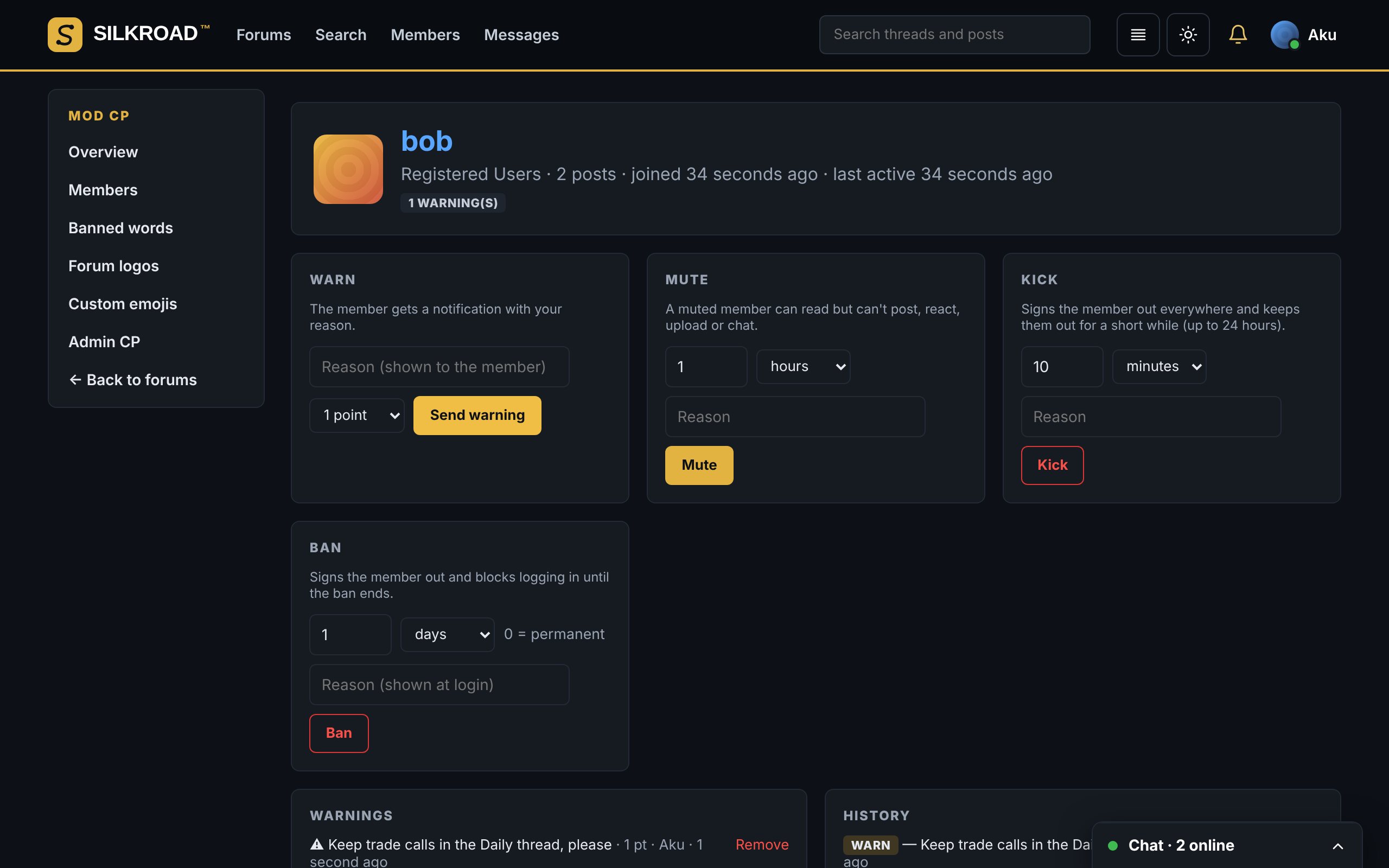
Warn, mute, kick and ban, with a reason and a record.

Moderators get exactly the tools an administrator grants their role. Every action is logged on the member’s history, and members see warnings and mutes in their notifications.

  • Timed or permanent bans, live sign-out on kick
  • Banned words that mask or block, with wildcards
  • Per-forum permissions for every role
Moderating a member in the Silkroad Mod CP

Running in four steps

You need a server with Docker. The first account that registers becomes the administrator.

  1. Download and unzip
    unzip silkroad-1.0.0.zip -d silkroad && cd silkroad
  2. Generate secrets (stays in .env, never shared)
    npm run secrets:generate
  3. Start it
    docker compose up -d --build
  4. Check it and register
    docker compose exec api node dist/doctor.js

    Open the forum, create your account, then add your free license key in Admin CP › License.

Full guide, Coolify setup and the AI install prompt

Free to run. Pro when you grow.

Every feature on this page is in the Free plan. Pro lifts the limits and lets you remove our credit from your footer.

What you getFreeSelf-service keyProMonthly or yearly
Forums, threads, live chat, Mod CP, reactions, media, 76 languagesIncludedIncluded
Custom themes on your forum5Unlimited
Largest upload25 MB500 MB
Custom emojis502,000
Remove “Powered by Silkroad™”NoYes
Get a free keyAsk for Pro

Changelog

  1. v1.0.0October 2026, current

    • Roles with admin-picked colours, member abilities and moderator tools per role
    • Mod CP: warn, mute, kick, ban, banned words, forum logos
    • Avatars; online, busy, do not disturb and appear-offline statuses
    • Image, video and audio uploads; YouTube, Vimeo, SoundCloud and Spotify embeds
    • Emoji reactions, custom emojis and GIF search
    • Chat view for threads and a chat-style message box
    • Theme studio with import and export
    • Free and Pro licenses
    • Language packs installed from the Admin CP; English and Arabic built in
    • Accounts, posting, live chat, notifications, search, likes and the Admin CP
  2. v0.1.0October 2026

    • Forum home with categories, sub-forums, unread markers and “who’s online”
    • Docker install, the doctor health check and the AI install guide